Sent campaign context
Review the list, template, sender, and campaign details before deciding the follow-up action.
Proiga helps teams move from sent campaign to next action by keeping contacts, templates, sent mail context, replies, bounces, follow-up targets, and campaign statistics connected in one workspace.
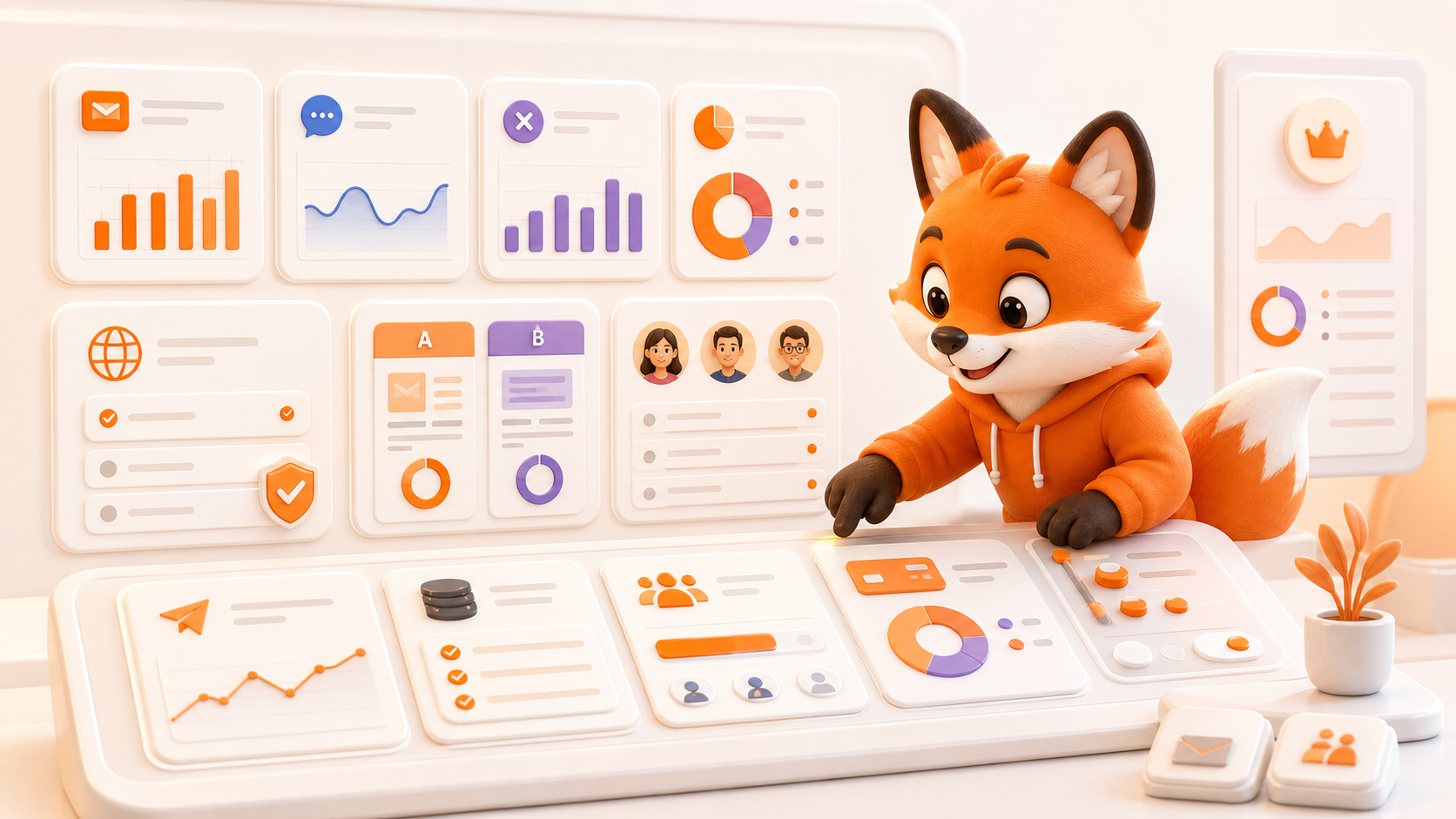
Follow-up work is cleaner when the team can see who received the first email, who replied, who bounced, and which contacts still need attention.
Review the list, template, sender, and campaign details before deciding the follow-up action.
Separate contacts who replied, contacts that bounced, and contacts still waiting for a response.
Focus follow-up work on eligible contacts rather than manually rebuilding the list after every send.
Use replies, bounces, A/B results, and campaign statistics to adjust the next follow-up batch.
Start with the campaign, contact list, sender, and template used in the original outreach.
Separate replies and bounces so the team does not follow up with the wrong contacts.
Use reusable templates and personalization fields for the contacts still eligible for follow-up.
Keep the follow-up connected to campaign statistics and A/B learning for later review.
Proiga keeps follow-up work connected to the same outreach workspace used for contacts, templates, sender domains, campaigns, replies, bounces, A/B results, and statistics.

Start with a trial account and test follow-up workflow with contacts, templates, replies, bounces, and campaign statistics in one place.
Sign Up